Subcontractors & For Hire
The work you give, and the work you get.
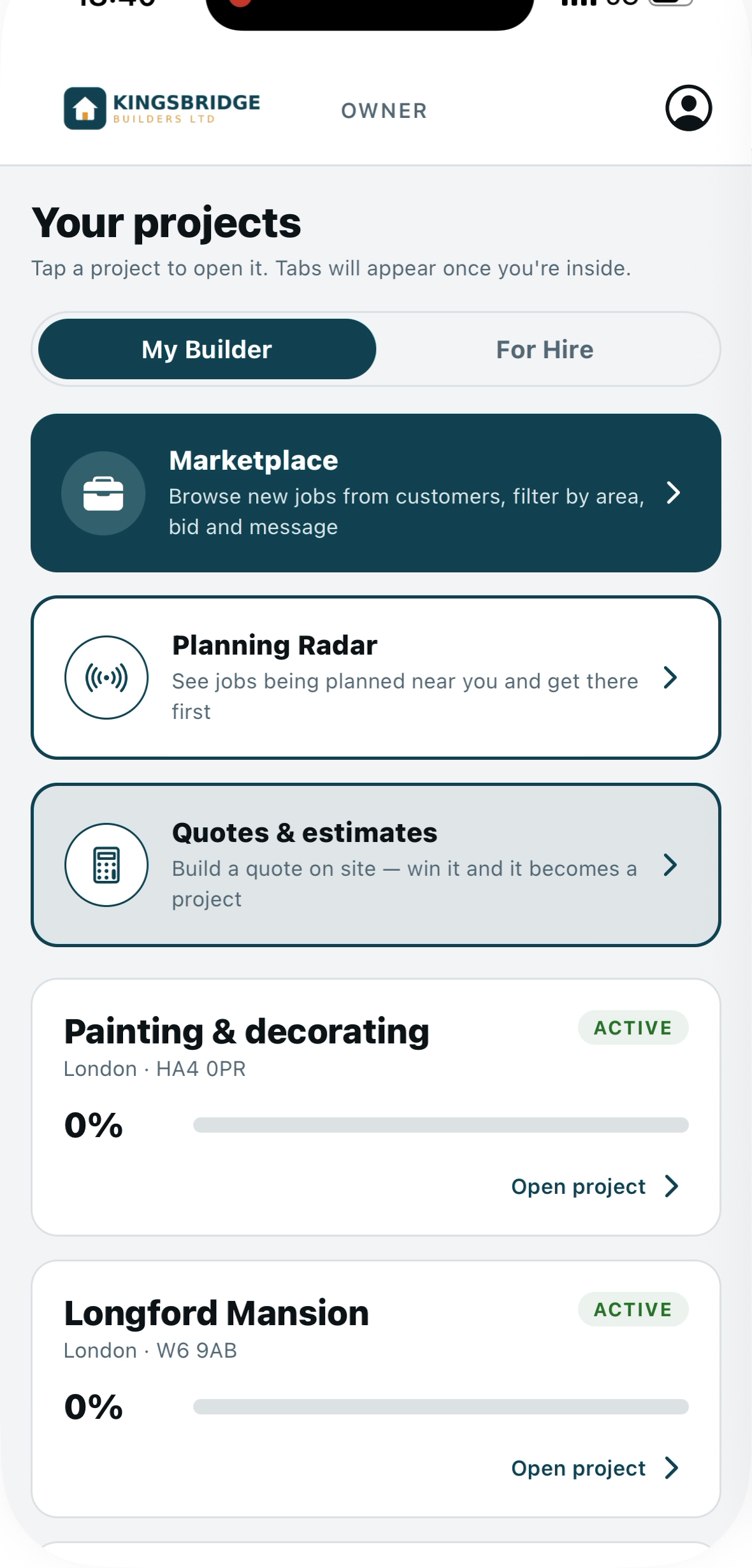
Connect the subbies you already use so they see their jobs and confirm. Need more hands? Find local tradespeople and hire them in a tap. Short of work yourself? Flip to your For Hire profile and get found by other builders. One account, one switch.
Connect your team
Your subbies see their jobs and confirm.
Invite a subcontractor or operative and they join free. From then on, the jobs you book them on show up in their app with the dates and site details, they confirm they’re coming, and you both get a notification. No more ringing round the night before.
- ✓Invite by email; they join free, no subscription
- ✓They see each job with dates, site and a contact
- ✓One tap to confirm, so you know who’s turning up
- ✓Their rate and cost feed your schedule and margin
Find more hands
A directory of available tradespeople.
Browse local tradespeople who are available for work, filtered by trade and area, each with their day rate, reviews and certificates. Add one to your team in a tap, or post the job and let bids come to you, then hire the winner.
- ✓Search by trade and area; see rate, reviews and certs
- ✓Add someone to your team and schedule them straight away
- ✓Or post a job and take bids, then hire the best
- ✓Message either way, all in one place
Get hired
Switch on For Hire and win work.
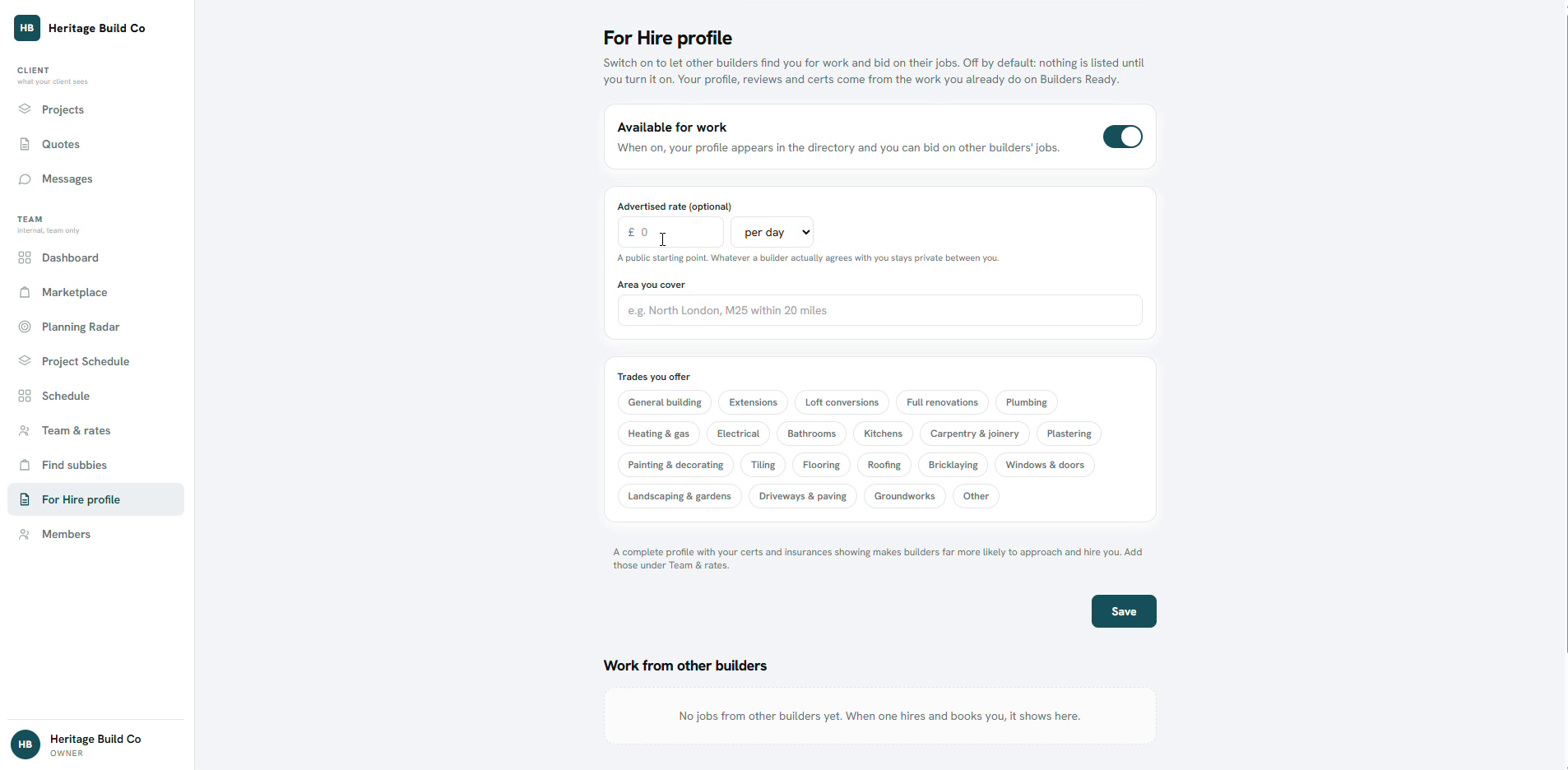
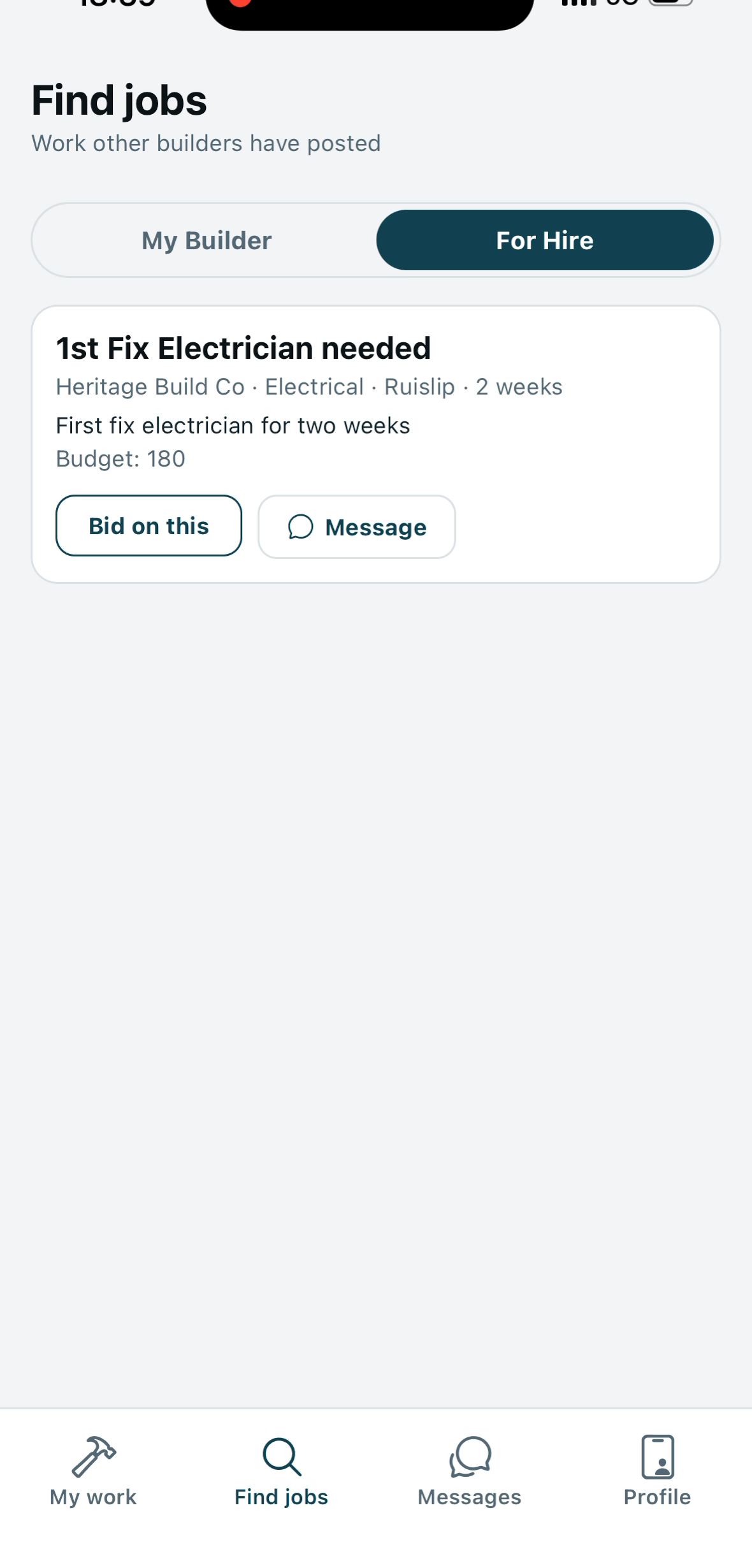
Flip to your For Hire profile and other builders can find you. Set your rate and the trades you cover, upload your cards and insurances, and bid on jobs builders post. Everything you do builds a profile and a rating that gets you the next job.
- ✓A free profile; pay only when you want to be found for work
- ✓List your rate, trades, area and upload your certificates
- ✓Bid on jobs other builders post near you
- ✓Reviews and a rating that grow with every job
One profile for both sides of the trade.
Give work, get work, and keep it all in the app you already run your jobs in.